
Microsoft Now Requires DMARC, Even for Low-Volume Email Senders

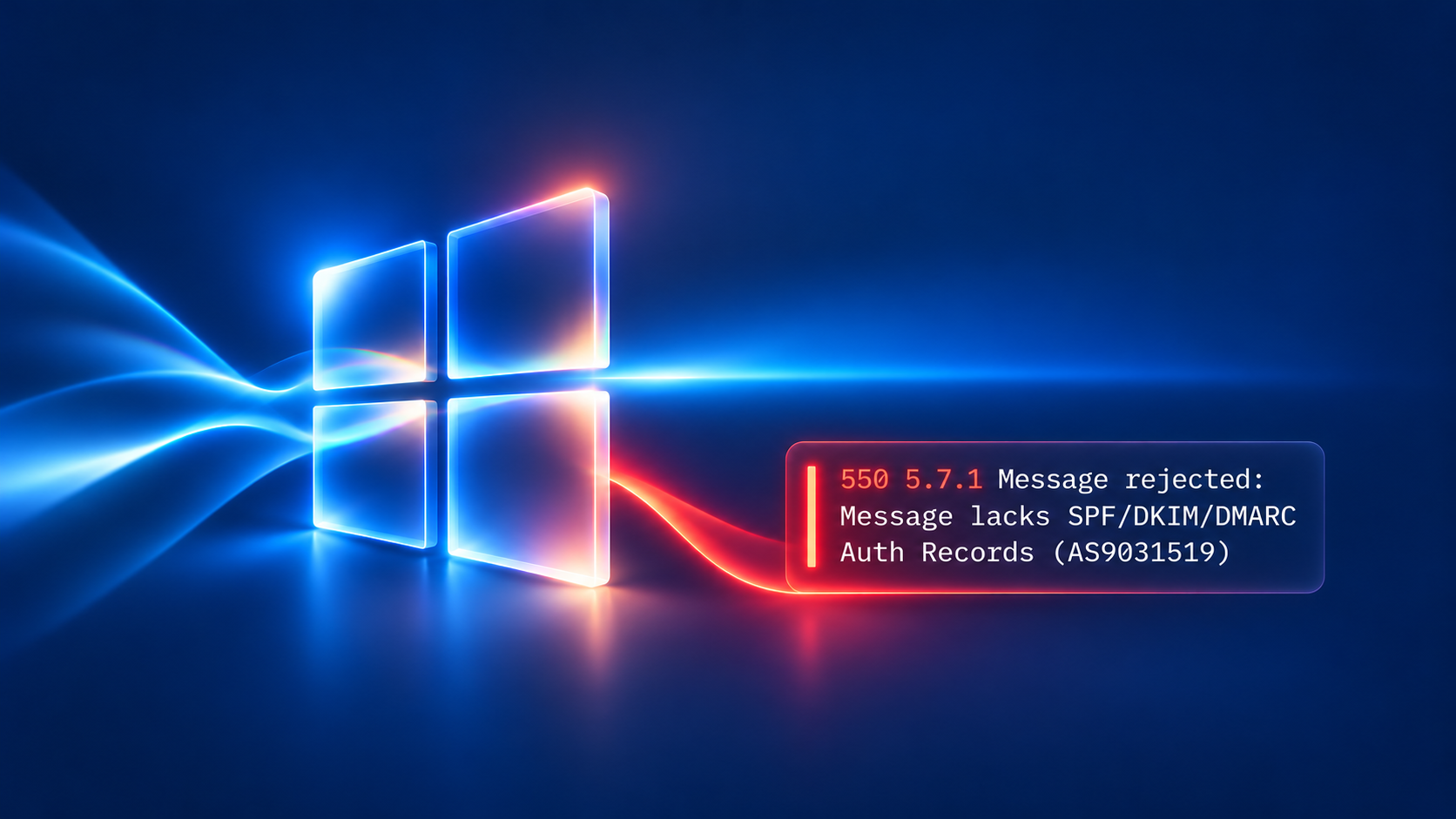
Having a DMARC record is no longer optional if you want reliable email delivery. Since November 5, 2026, Microsoft appears to have started rejecting emails sent to Outlook.com, Hotmail, and Live.com addresses from domains without DMARC, even when those domains send only a handful of messages per day.
What changed?
In May 2025, Microsoft introduced stricter email authentication requirements for domains sending more than 5,000 messages per day to its consumer email services. These requirements included SPF, DKIM, and DMARC.
Now, reports from email administrators indicate that Microsoft is enforcing DMARC requirements for low-volume senders as well.
Affected senders are encountering the following SMTP error:
550 5.7.1 Message rejected: Message lacks SPF/DKIM/DMARC Auth Records (AS9031519)
Interestingly, some affected domains already had valid SPF and DKIM configurations. Adding a DMARC record resolved delivery problems in several reported cases.
Microsoft has not officially announced this broader enforcement, so it remains unclear whether the change is intentional or temporary.
Don't just publish a DMARC record. Enforce it.
If your domain doesn't have DMARC configured yet, now is the time to implement it, regardless of your sending volume.
Publishing a basic p=none record may help meet current authentication requirements, but it should only be the starting point.
A p=none policy allows you to collect DMARC reports and understand which services send email on behalf of your domain. However, it does not instruct receiving servers to block emails that fail DMARC authentication.
To properly protect your domain against spoofing and impersonation, you should:
- Implement DMARC monitoring. Publish a DMARC record with a reporting address and start collecting aggregate reports.
- Identify and authenticate your email sources. Use the reports to discover legitimate senders and ensure their SPF or DKIM authentication aligns with your domain.
- Move toward enforcement. Once legitimate email passes DMARC consistently, upgrade your policy to
p=quarantineand ultimatelyp=reject.
With an enforced DMARC policy, receiving mail servers are instructed to quarantine or reject messages that fail DMARC, significantly reducing opportunities for attackers to impersonate your domain.
DMARC is becoming essential for everyone
Microsoft's latest behavior reinforces a broader trend: email authentication is no longer just a concern for bulk senders. Even organizations sending a few emails per day need properly configured DMARC to protect their domains and maintain reliable email delivery.
But simply having a DMARC record isn't enough. The real goal should be DMARC enforcement.
URIports helps you collect and analyze DMARC reports, identify authentication issues, and safely progress from monitoring to an enforced p=quarantine or p=reject policy.
Start monitoring today, and take the steps toward full DMARC enforcement.